1. Fill it in
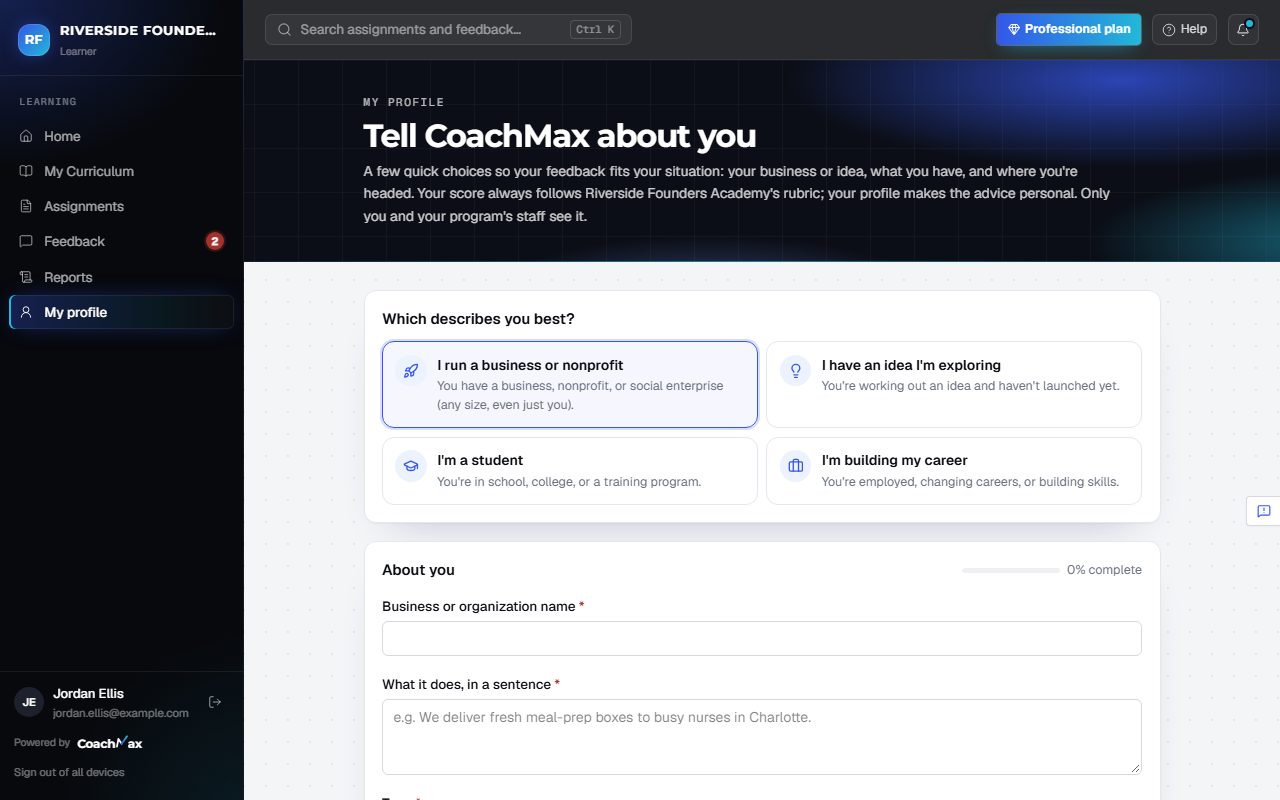
- Open My profile in the menu (or click Set up my profile on Home).
- Under Which describes you best?, choose running a business or nonprofit, exploring an idea, a student, or building your career.
- Answer a few quick questions about your business or idea, where it is, what you have, and your goals. Then click Save my profile.
- CoachMax uses it to make feedback, examples, and next steps fit you. Your score always follows the rubric.
- Only you and your program's staff see it. Update it anytime.
Still stuck? Sign in and click Help at the top right to ask CoachMax, or email support@maxuniversity.org.