1. Your feedback
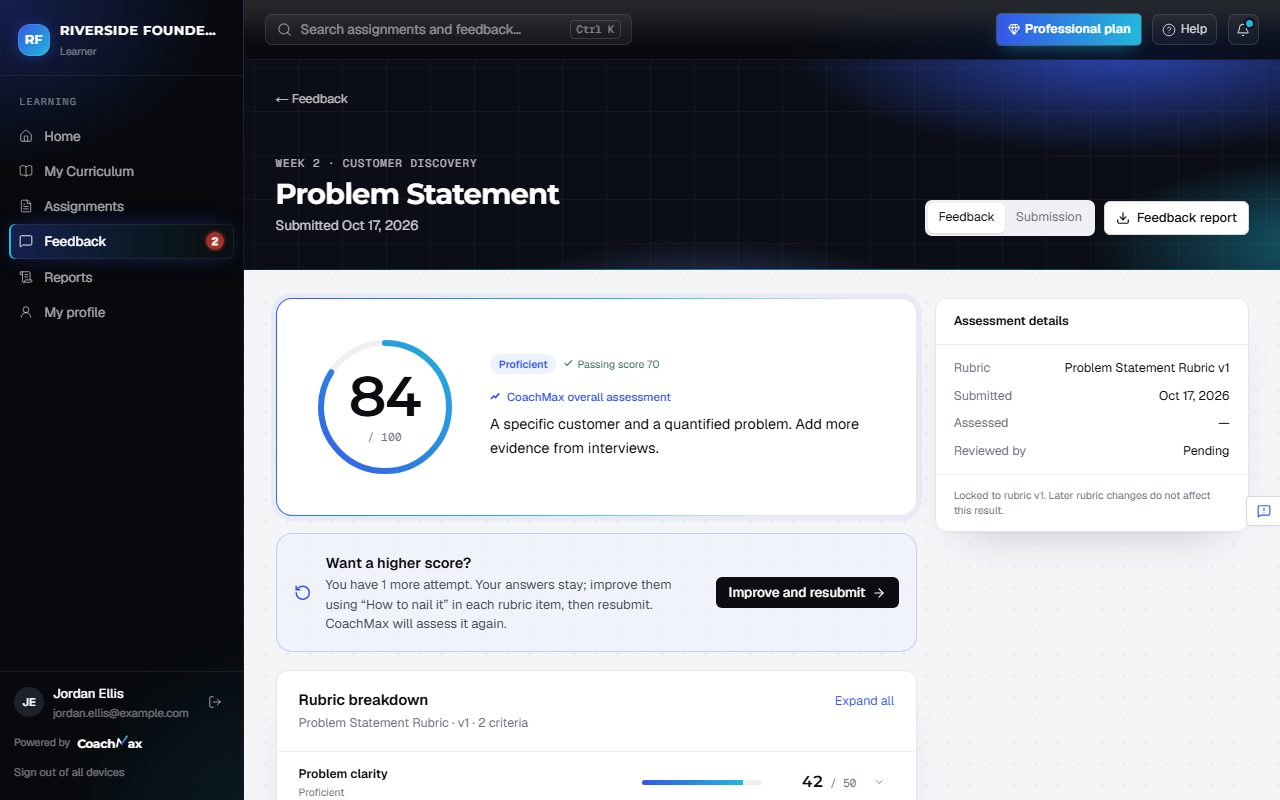
- Open Feedback to see your Average score and every result. Click View → to open one.
- The Rubric breakdown shows your score for each part, what you did well, and what to improve. Expand all opens every part.
- Each part has How to nail it: a short example of a stronger answer, based on your own work.
- Quiz questions are marked Correct or Not quite, with the right answer and why. Instructor comments show anything your instructor added.
- Your instructor may review the result first. A red number on Feedback, a message on screen, or an email tells you when it's ready.
Still stuck? Sign in and click Help at the top right to ask CoachMax, or email support@maxuniversity.org.