1. Plan & Billing
- Your plan shows your plan, the monthly amount agreed with CoachMax, and learners, curricula, LMS connections, and Thinkific sites used against your limits, plus whether video grading is included.
- Billing history lists each plan set-up and any refund.
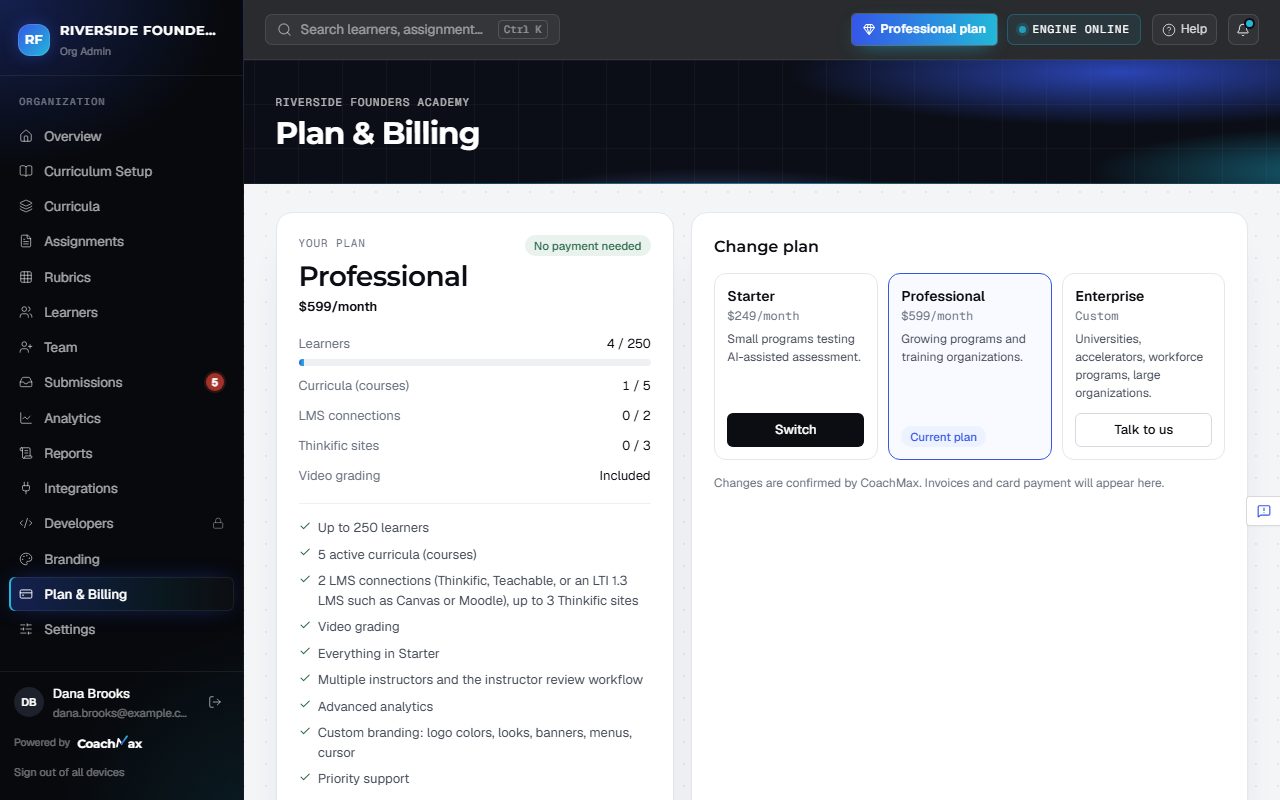
2. Change plan
- Under Change plan, click Upgrade (or Switch, or Talk to us). Add anything we should know and click Send request. CoachMax confirms with you.
- Moving to a smaller plan shows what you'd lose, and exactly what to remove first if you have more learners, curricula, or LMS connections than it allows.
Still stuck? Sign in and click Help at the top right to ask CoachMax, or email support@maxuniversity.org.