1. Invite
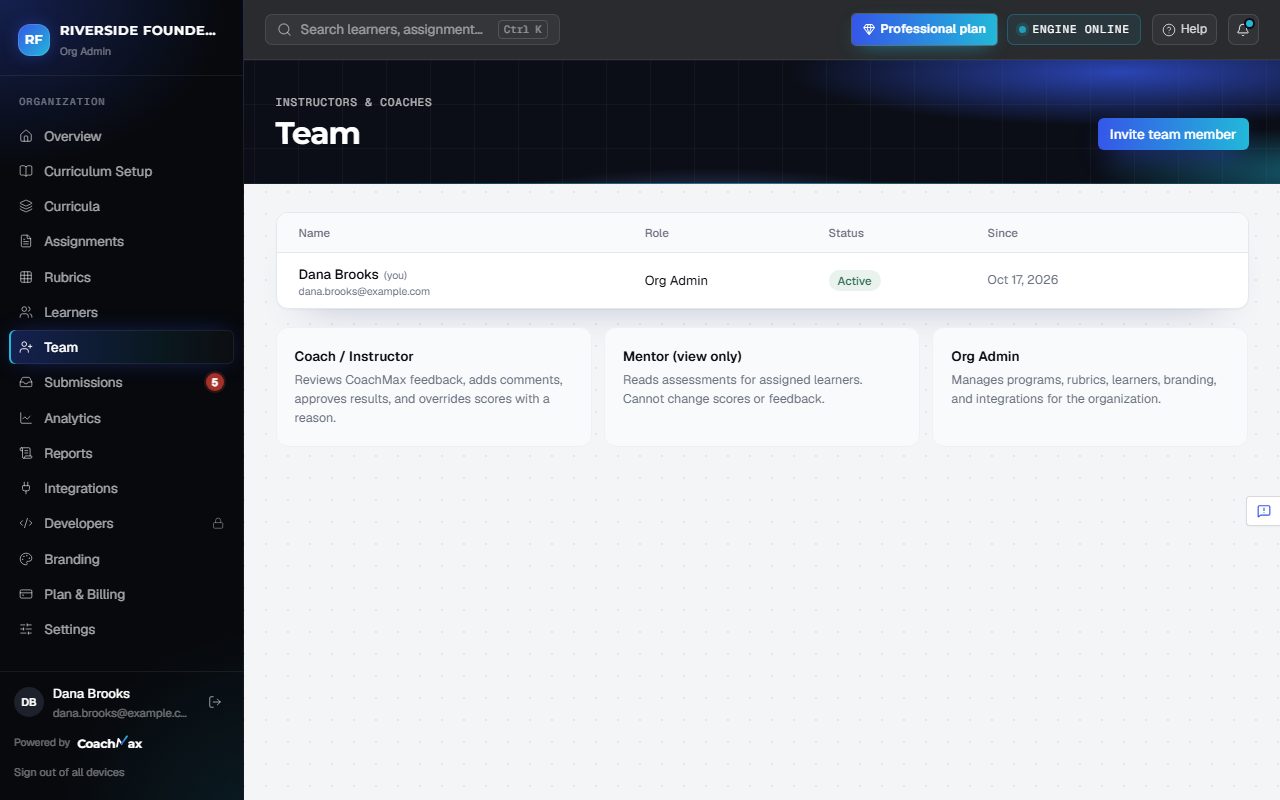
- Open Team and click Invite team member.
- Choose Coach / Instructor (reviews and releases grades) or Mentor (view only), or another Org Admin.
2. By plan
- Starter includes 1 Org Admin, who reviews work. You'll see Upgrade to add your team there.
- Professional and Enterprise add instructors, mentors, and more Org Admins.
Still stuck? Sign in and click Help at the top right to ask CoachMax, or email support@maxuniversity.org.