1. Invite by email
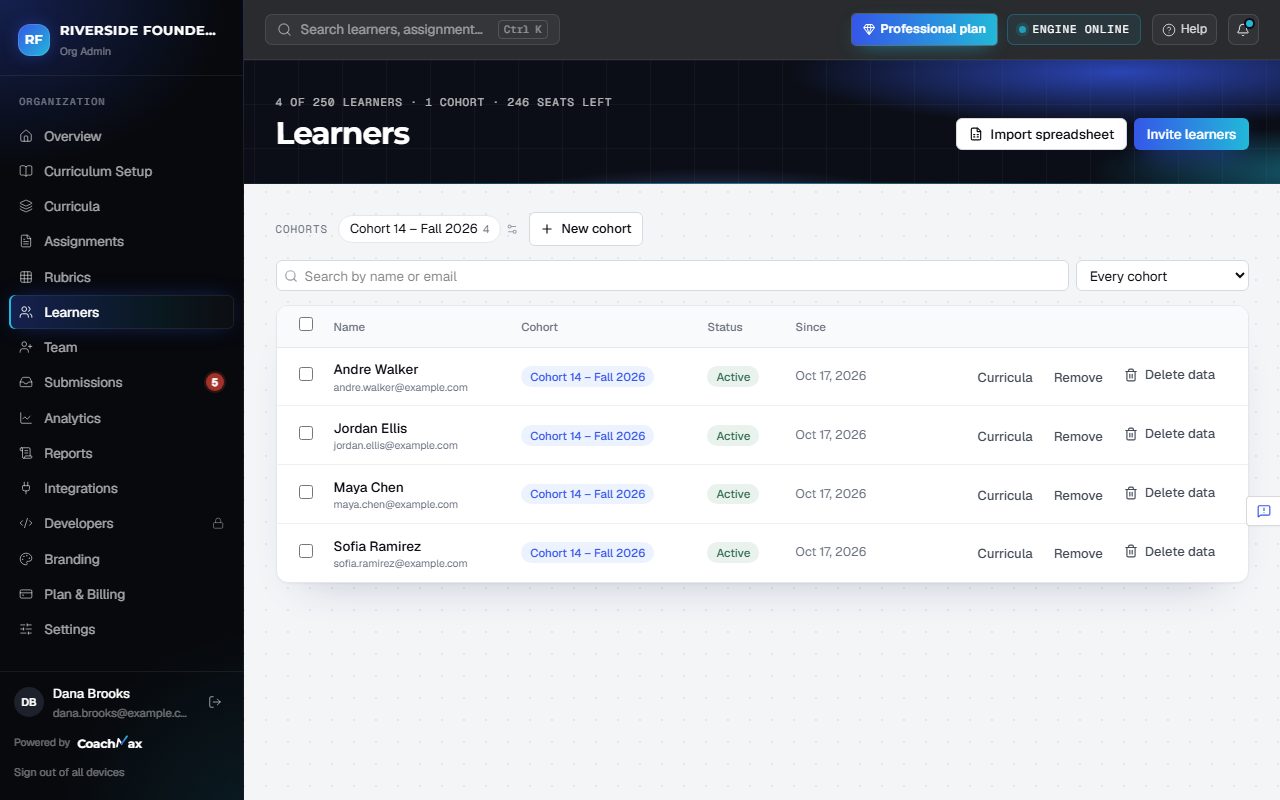
- Open Learners and click Invite learners.
- Type or paste the Email addresses, choose their curriculum and cohort, and click Send invitations.
- Prefer to share it yourself? Click Copy invite link.
- Open invitations show on Learners: click Resend or Cancel.
2. Other ways in
- Have a list? Use Import spreadsheet (see Import learners from a spreadsheet).
- With an LMS connected, learners come in automatically.
3. Seats
- Your plan's learner limit covers the whole organization, and open invitations hold a seat. Learners shows how many seats are left.
- Inviting, importing, or LMS syncing past the limit stops with a clear message.
Still stuck? Sign in and click Help at the top right to ask CoachMax, or email support@maxuniversity.org.