1. On the curriculum's page
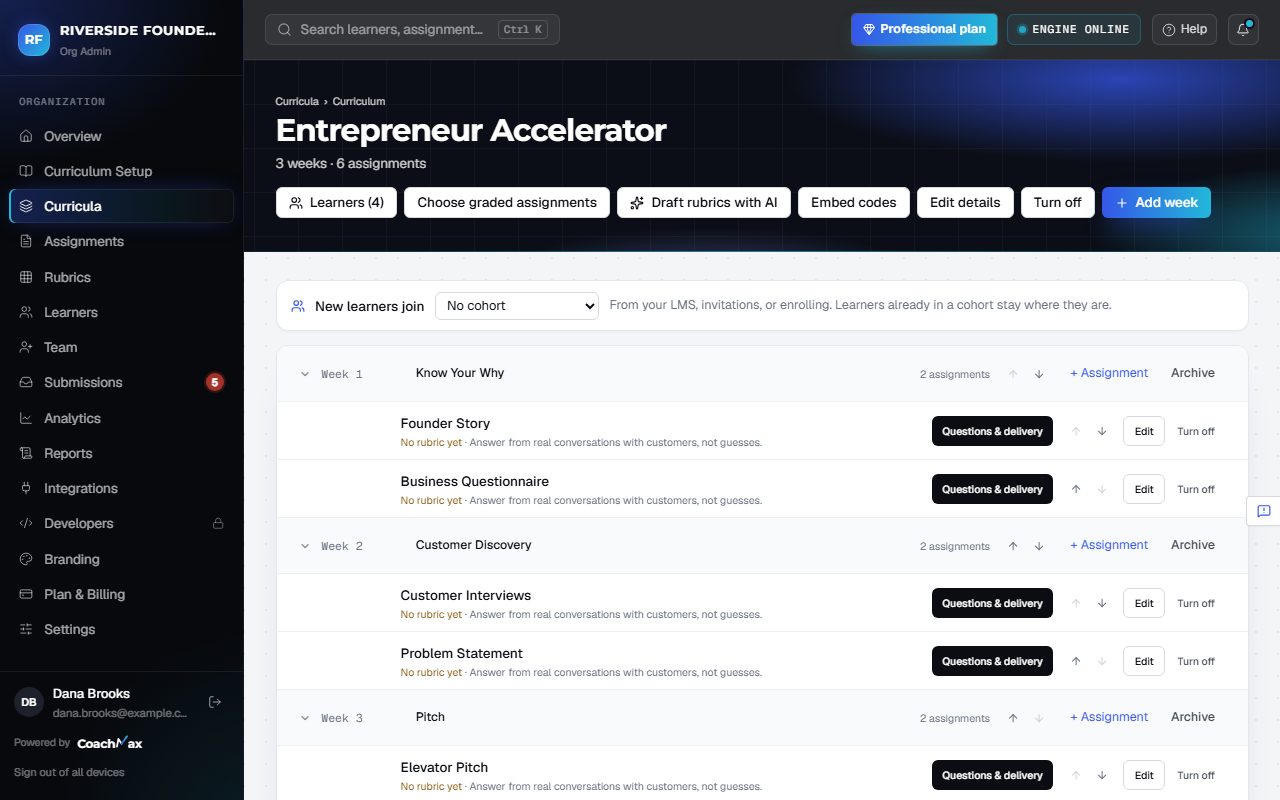
- Open Curricula and click a curriculum. Its weeks and assignments are listed in order.
- Edit details changes its name and start date.
- Learners shows who's enrolled. Click Invite learners to add people straight into it.
2. Turn it off or on
- Turn off hides a curriculum from learners but keeps all its work. CoachMax asks first (Turn off and notify), then tells every enrolled learner.
- Turned-off curricula don't count toward your plan's limit. Turn on brings it back.
- Your plan includes a number of active curricula (Starter 1, Professional 5, Enterprise unlimited). The Curricula page shows how many you've used.
- A new batch of learners in the same course is a new cohort, not a new curriculum.
3. Delete it for good
- Turn it off first. Then open it and click Delete permanently, and type its name to confirm.
- Everything inside is removed (weeks, assignments, submissions, and grades) and can't be recovered. Learner accounts stay.
Still stuck? Sign in and click Help at the top right to ask CoachMax, or email support@maxuniversity.org.