1. From an assignment
- On the assignment's page, under Rubric, click Draft rubric with AI. CoachMax reads the lesson, your questions, and About this Curriculum, and suggests criteria, weights, and levels.
- Prefer to write it yourself? Click Start blank.
- Review and edit, then click Publish v1. CoachMax grades only with published rubrics, and records the version used.
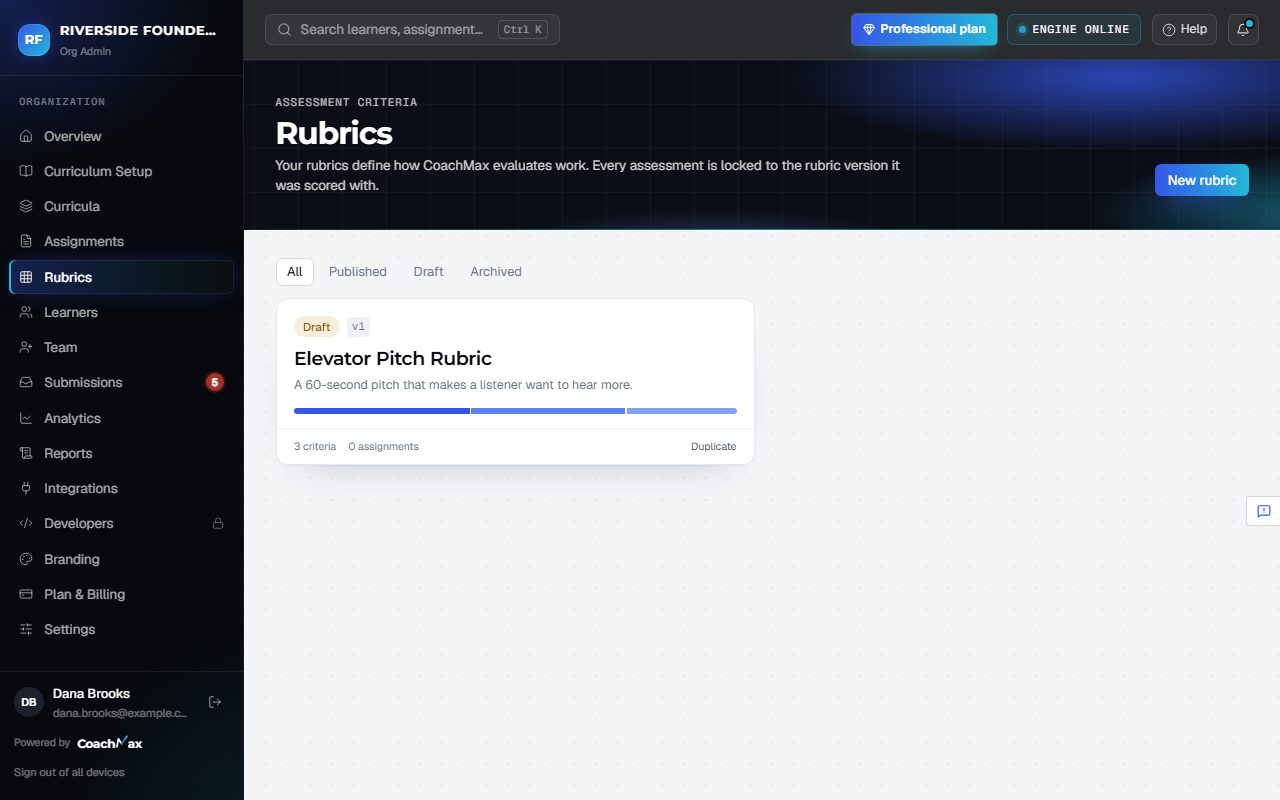
2. From the Rubrics page
- Open Rubrics in the menu.
- In the Draft with AI box, describe what learners have to do or paste the instructions.
- CoachMax drafts the criteria, levels, weights, and grading guidance for you to review.
- Or click New rubric to start from a blank one.
Still stuck? Sign in and click Help at the top right to ask CoachMax, or email support@maxuniversity.org.