1. Scores spreadsheet
- Open Reports. Under Scores spreadsheet, choose a curriculum, cohort, or assignment and click Download scores (CSV).
- It opens in Excel or Google Sheets.
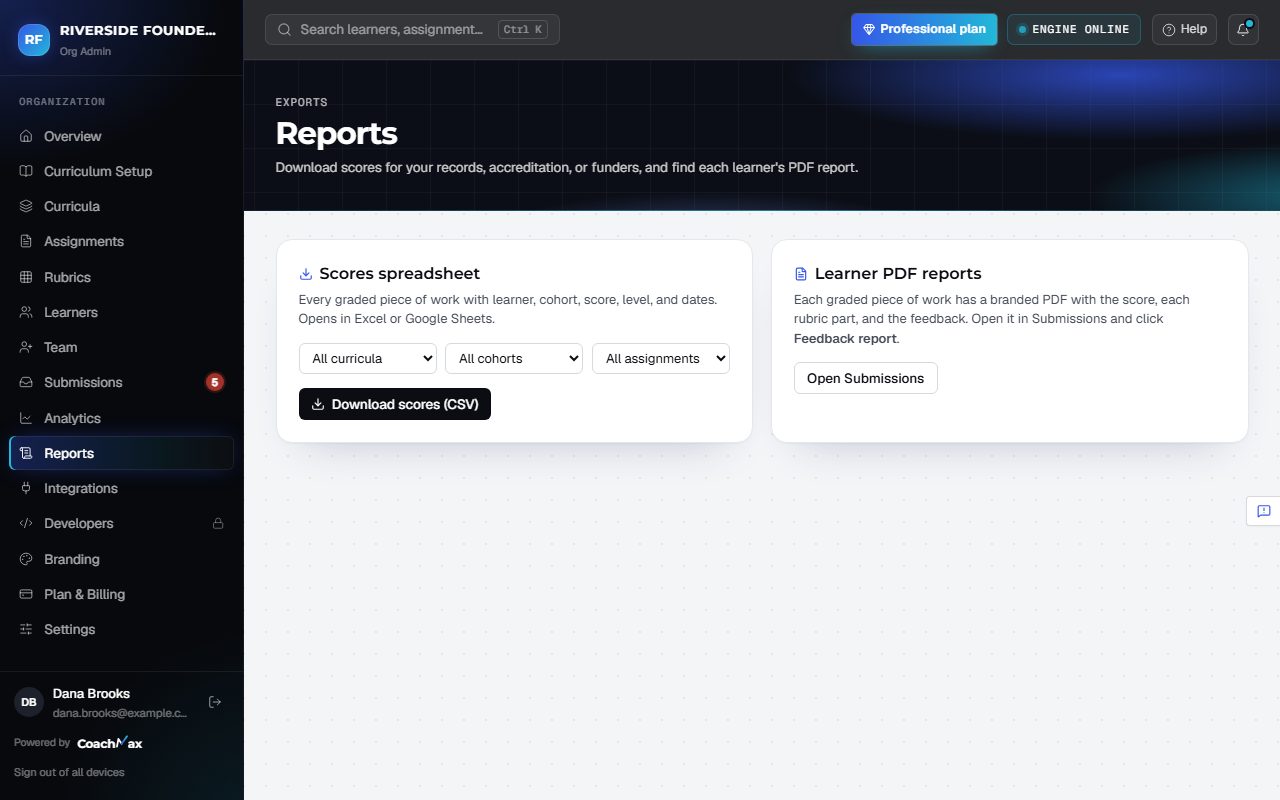
2. Learner PDF reports
- Each learner's feedback can be downloaded as a PDF with your logo and brand color. Under Learner PDF reports, click Open Submissions and open the learner's work.
- Learners can download their own from Reports too.
Still stuck? Sign in and click Help at the top right to ask CoachMax, or email support@maxuniversity.org.